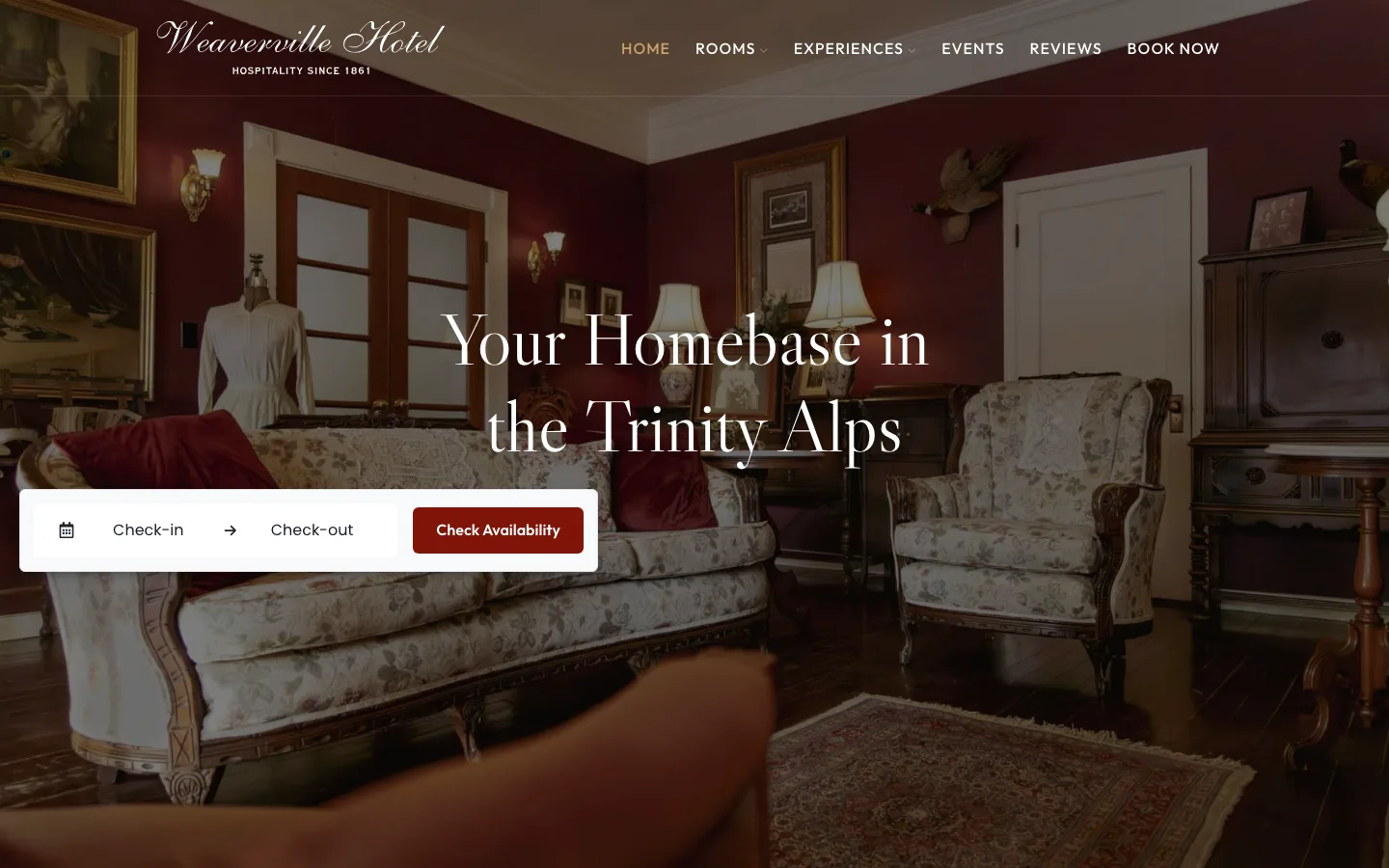
What the booking engine is on a hotel website
- The booking engine is the provider's own set of booking pages, where a guest picks dates, chooses a room and pays. It runs on the provider's servers, not on your site. A guest who books there makes a direct booking, with no online travel agency in between.
- The property management system, or PMS, is the software the hotel runs its rooms and reservations in. It may include a booking engine or connect to a separate one.
- A date picker on the home page sends the guest's dates to it.
- A button on each room page opens the engine at that room.
- A room ID ties each room on your site to the same room in the engine.
When a hotel changes provider, these parts change. The rooms, photographs, words and page addresses belong to the site, so they stay.
The example
The Weaverville Hotel in California has 8 rooms. Until 2025 its website was built in Lodgify's own site builder, so the site and the booking engine came from one provider. That year we rebuilt the site on WordPress, with a page for every room and Lodgify booking on each one. The site now belonged to the hotel, and Lodgify only took the bookings. In April 2026 the hotel asked us to move its booking to Cloudbeds.
We started with a copy of the home page that held the old and the new date picker together. The hotel could compare them before anything changed on the live site. It asked for a narrower picker, and we settled on 520 pixels.
On 12 May Cloudbeds changed its embed code, the snippet a website pastes in to show the engine. The hotel had set its go-live for that Thursday, so we rebuilt the picker and the room buttons from the new code.
Each room page got a Check Availability button linked to that room in Cloudbeds, 8 room IDs in all. We prepared every change, and the hotel published each one on the day it chose. We kept the Lodgify code for each room as a backup.
The Weaverville Hotel case study shows the rooms, the redirects and the build.
What changed, and what stayed
| Changed | Stayed |
|---|---|
| The date picker on the home page | Every page and its address |
| The button on each of the 8 rooms | Each room's photographs, words and rates |
| The booking pages a guest pays on | The design, the menu and the redirects from the old site |
| The room IDs | The links guests and search engines already had |
What the engine decides for you
A booking engine is another company's product, and it sets limits. Cloudbeds' room embed could not show an availability calendar, so each room got a button instead. The label on the engine's own search button was Cloudbeds' to set.
Its default buttons were rounded. The hotel's site uses square edges, so we styled the room buttons to match the rest of the site. Check what the new engine lets you change before anyone promises a design.
The boundary made the change smaller
The earlier website rebuild separated the rooms and their pages from the service taking bookings. When that service changed, the hotel could keep the material guests already used and the addresses they already had.
The connection still needed attention: the right room behind each button, a design the new provider could support, and an agreed publishing day. Those responsibilities shaped the change without turning it into another website rebuild. Our WordPress work includes maintaining boundaries like these as a site's services change.
A hotel that owns its website changes booking engine by changing a few parts. If the website lives inside the booking provider, check whether it can stay there with a different engine before planning the switch.