Change your hotel booking engine without rebuilding the website
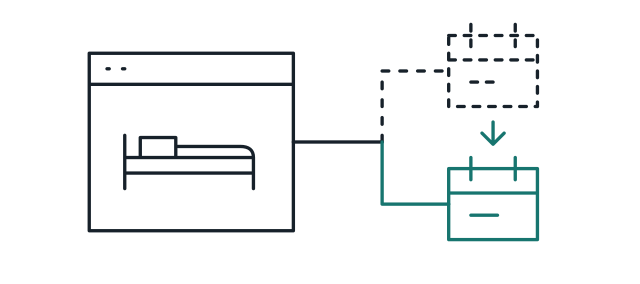
A hotel booking engine sits behind a date picker and a button on each room. Change those parts, and the rooms, pages and addresses stay as they are.
 Contact
 The Weaverville Hotel has welcomed guests in California's Trinity Alps since 1861. We built its website on WordPress, on a hotel theme we customised, with a page for every room and booking on each one.
The Weaverville Hotel stands on Main Street in Weaverville, California, in the Trinity Alps. It opened in 1861, in the Gold Rush, and today has eight suites, each with its own name and history.
Its website lived inside its booking provider's site builder. The hotel wanted a site of its own that showed every room, brought more bookings direct, and could change booking provider without starting again.
We built the site on WordPress, on a bought hotel theme the hotel chose, customised with a child theme of our own. The layout is the theme's; we set it up, built every page, gave each room its own page with booking on it, and redirected every old address. When the hotel moved to Cloudbeds in 2026, we moved the home page's date picker and every room's booking button to it, and kept the site as it was.
The dates come from the project's task lists and the site's code. The pictures are of the live site and the Web Archive.
The hotel's site was built in Lodgify, its booking provider's own site builder. Its brief to us asked for more direct bookings, for each room to be shown as it is, and for the Trinity Alps to be part of the story. The hotel's brief said its website already brought half of its bookings.
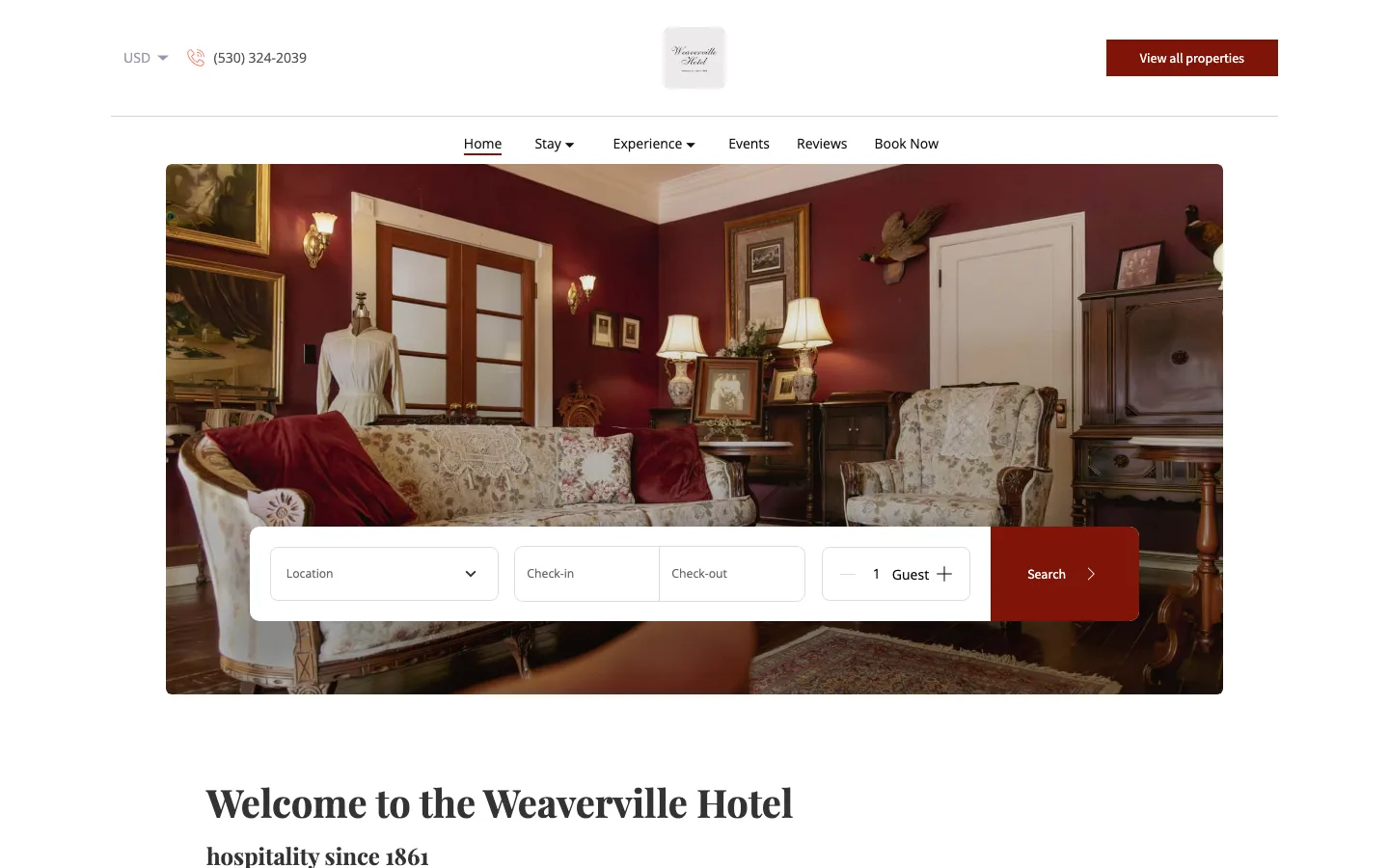
A premium hotel theme was the faster route to a proven layout, so the effort could go into the rooms and the booking. In October 2025 we proposed hotel themes, and the hotel chose one. We customised it with a child theme of our own, moved every page across from the old site, and gave each of the eight rooms its own page. After a meeting with the hotel in November, we set the theme's own fonts and a deep red taken from the hotel's walls.
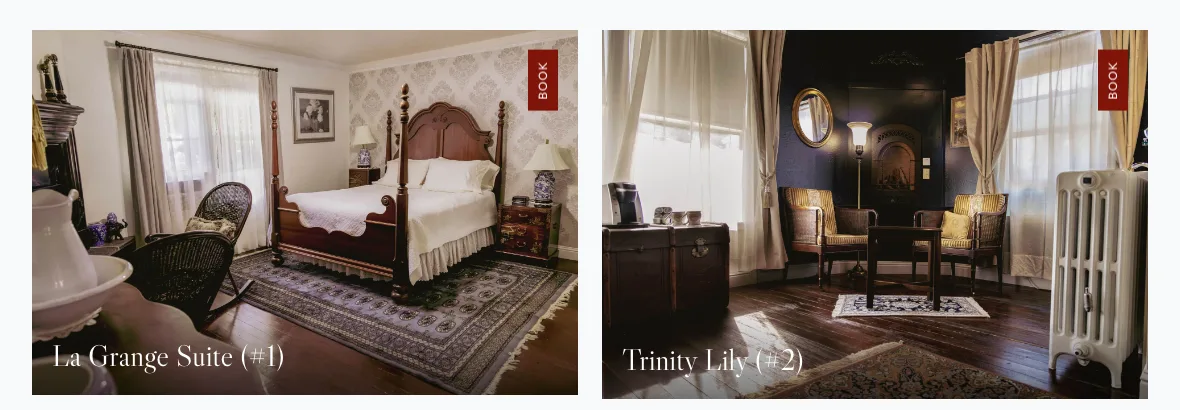
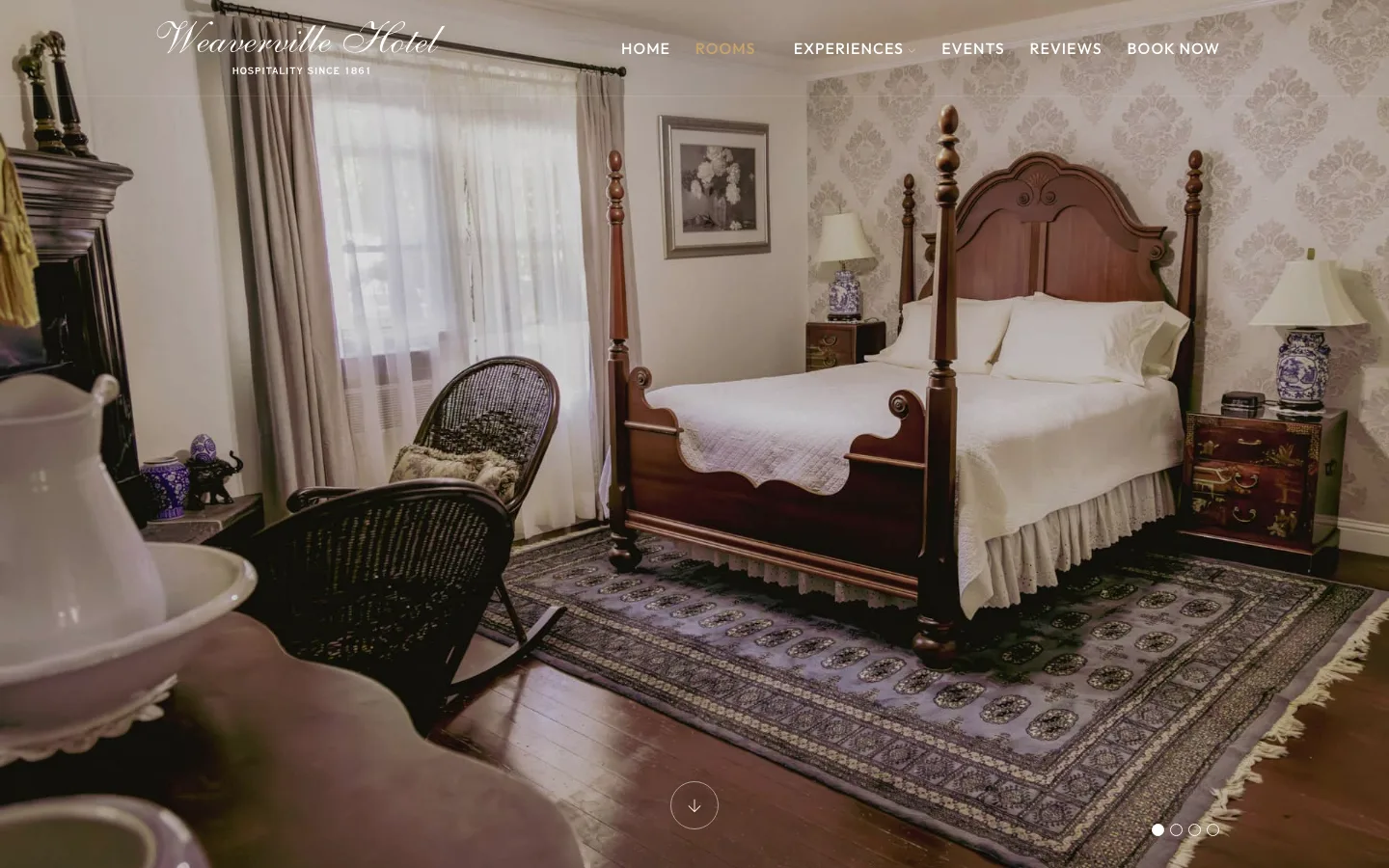
In December 2025 we added a booking box to every room page and a Check Now button that scrolls to it, styled in the hotel's red. Each room page also carries its check-in and check-out times, rates and policies. In January 2026 we redirected every old Lodgify address to its new page, so links and search results kept working.
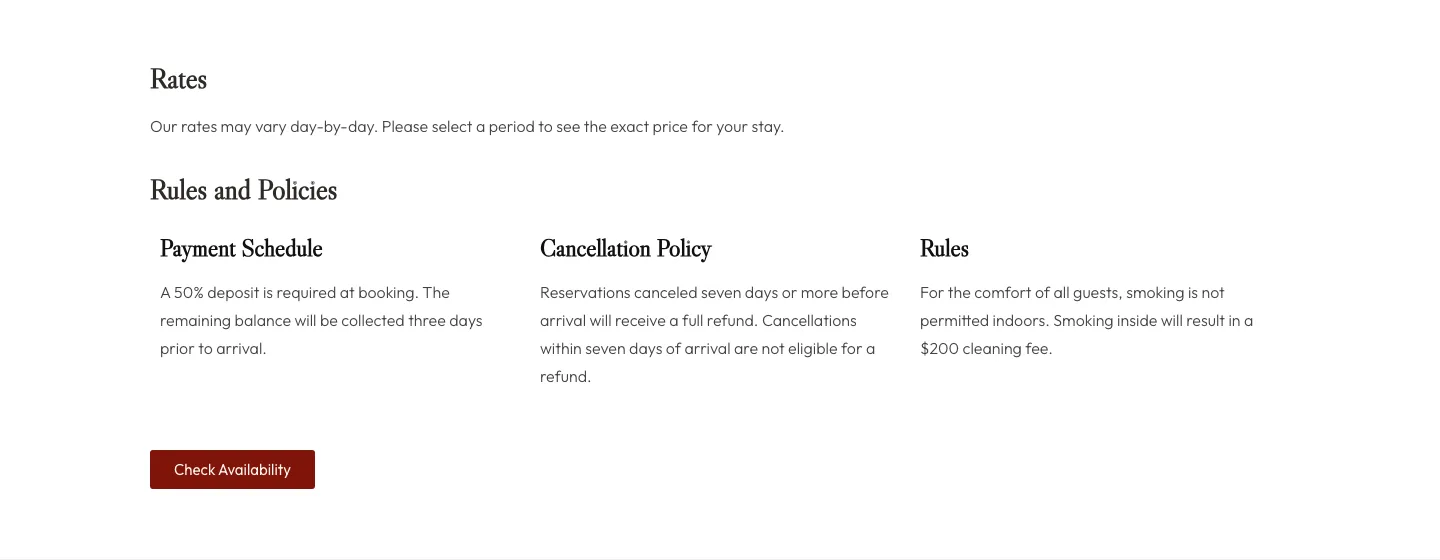
In April 2026 the hotel asked to move from Lodgify to Cloudbeds. We placed Cloudbeds' date picker on the home page and a Check Availability button on each room, linked to that room in Cloudbeds, and styled both to match the site. The hotel went live with it in May 2026, and we kept the Lodgify code on each room as a backup.
A hotel booking engine sits behind a date picker and a button on each room. Change those parts, and the rooms, pages and addresses stay as they are.