Four places to look
| Where | What it shows | What it misses |
|---|---|---|
| A detector tool such as BuiltWith or Wappalyzer | The content system, the framework, analytics and other services it recognises | Anything it has no pattern for; it can guess wrong |
| The page's markup (view source) | Theme and plugin folders, generator tags, script names | Anything rendered on the server and hidden from the page |
| The response headers | The server and sometimes the language version | Often removed or rewritten by a host or a CDN |
| The Web Archive | Saved markup, assets and sometimes original response metadata, for a date in the past | Parts the archive did not keep, such as some images and scripts |
A detector is the fastest start. The markup and headers are the evidence. The archive is how you check what a site ran on years ago, which is what a supplier's case study claims.
One case study, traced to its evidence
Every case study on our site lists the stack the project ran on. We check stack claims against the available evidence and record anything still unresolved. The evidence is our own code, the project's repository, the live site's headers and markup, or the Web Archive.
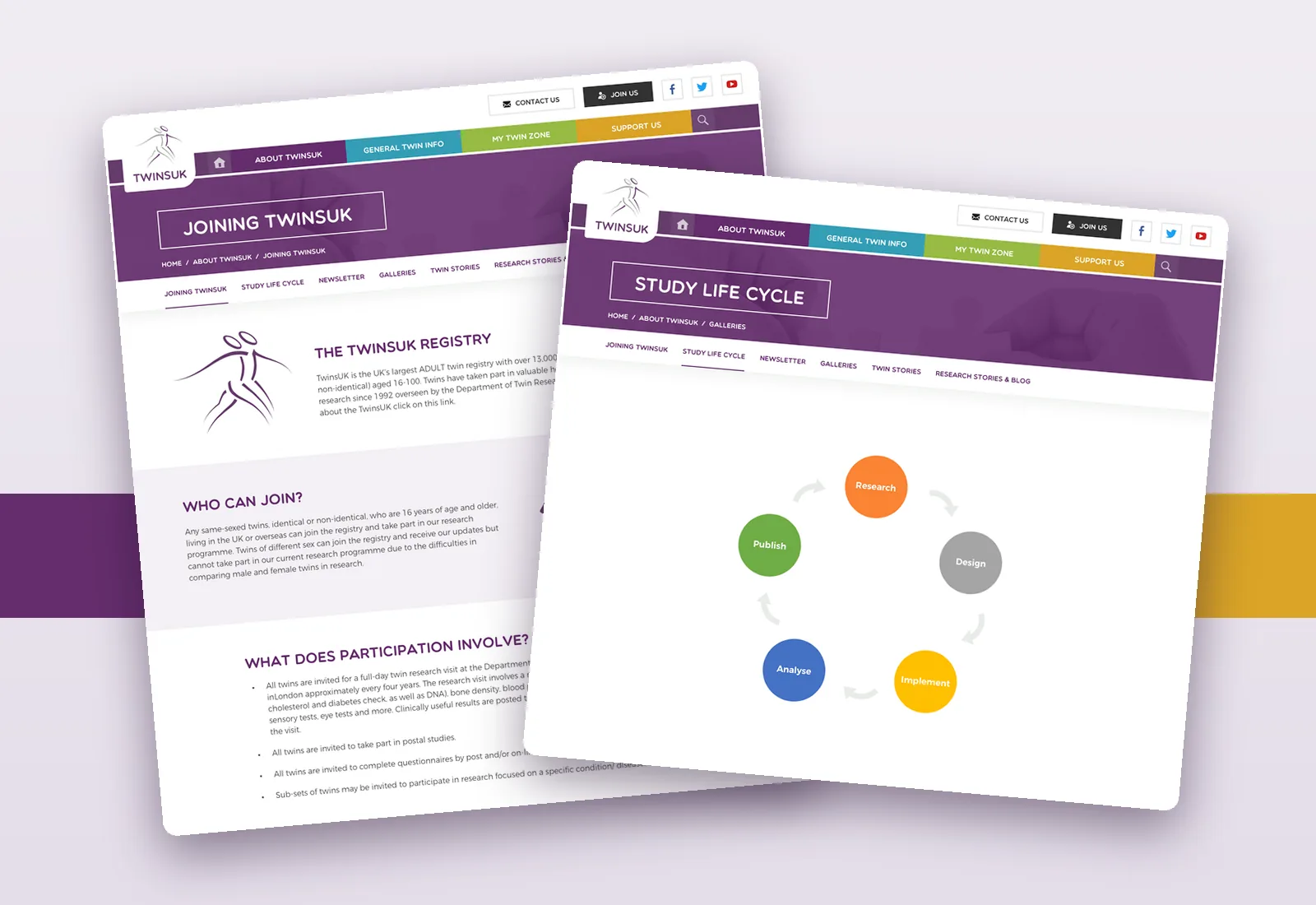
On TwinsUK, a capture of the research site from 3 January 2019 shows the WordPress version in its markup and PHP 5.6 on Apache in its headers. The same capture shows our own theme folder and the plugins behind the forms and the members' access. Each of those became a line in the list.

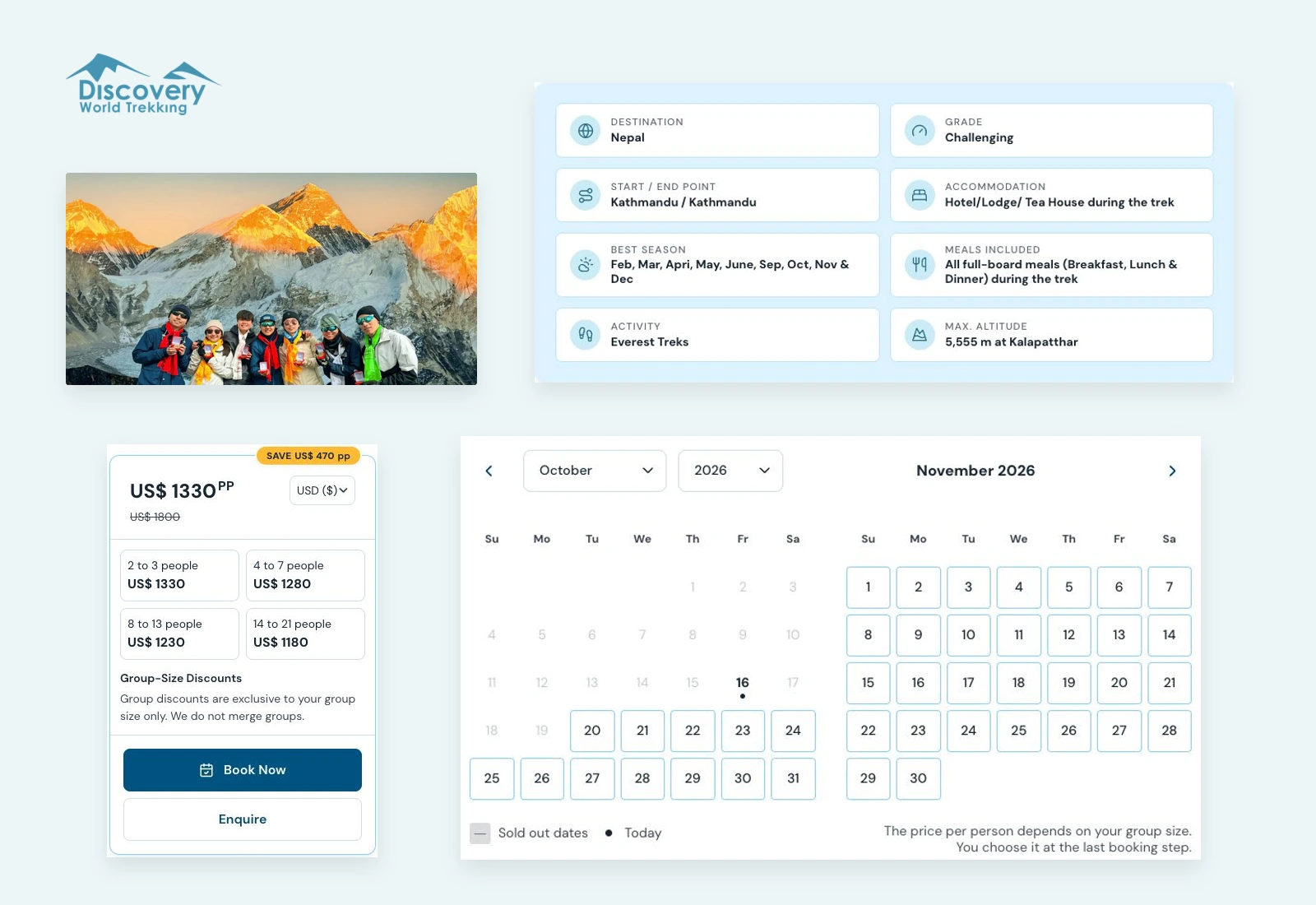
On Discovery World Trekking, the repositories name the framework, the libraries and the content system. The hosting came from the live site's headers in October 2026. An archive capture from 2020 shows the site on Apache, before the rebuild. We list the stack checked in October 2026, and the record keeps the history.
What stays off
A service in our repositories whose place on the live site we could not confirm is not on the Discovery World Trekking list. The page record notes it and why. A list that guesses is worse than a short one, because a reader cannot tell which line is the guess.
Four questions about a supplier's stack claims
- Where does each item on the list come from? Code, repository, headers or archive.
- Which version did the project run, and when?
- What did you leave off because you could not confirm it? A careful supplier has an answer.
- Can I see it myself? A live address or an archive date lets you check without them.
The tools that answer "what is this website built with" read the outside of a site. A supplier's case study should be able to show you the inside.