What the strangler pattern is
- A new system grows around the old one. Each release moves one function across incrementally: a screen, a feature, an integration.
- A façade sends each request to the old system or the new. It sits in front of both, so requests are routed without customers seeing the join.
- The old system shrinks. When nothing depends on it any more, it is switched off.
- Its opposite is the big-bang rewrite. Build everything new, then switch over on one day.
Piece by piece, or one switch
| Piece by piece | One switch | |
|---|---|---|
| Fits | Parts that can be split: pages, features, services | Data or a format that every part shares |
| Risk | Spread over many small releases | Gathered on one day |
| Needs | A way to route between old and new | A full move of the data, checked, and the old system kept |
A project may need both. The skill is knowing which parts are which before the work starts.
How we did it on an email builder
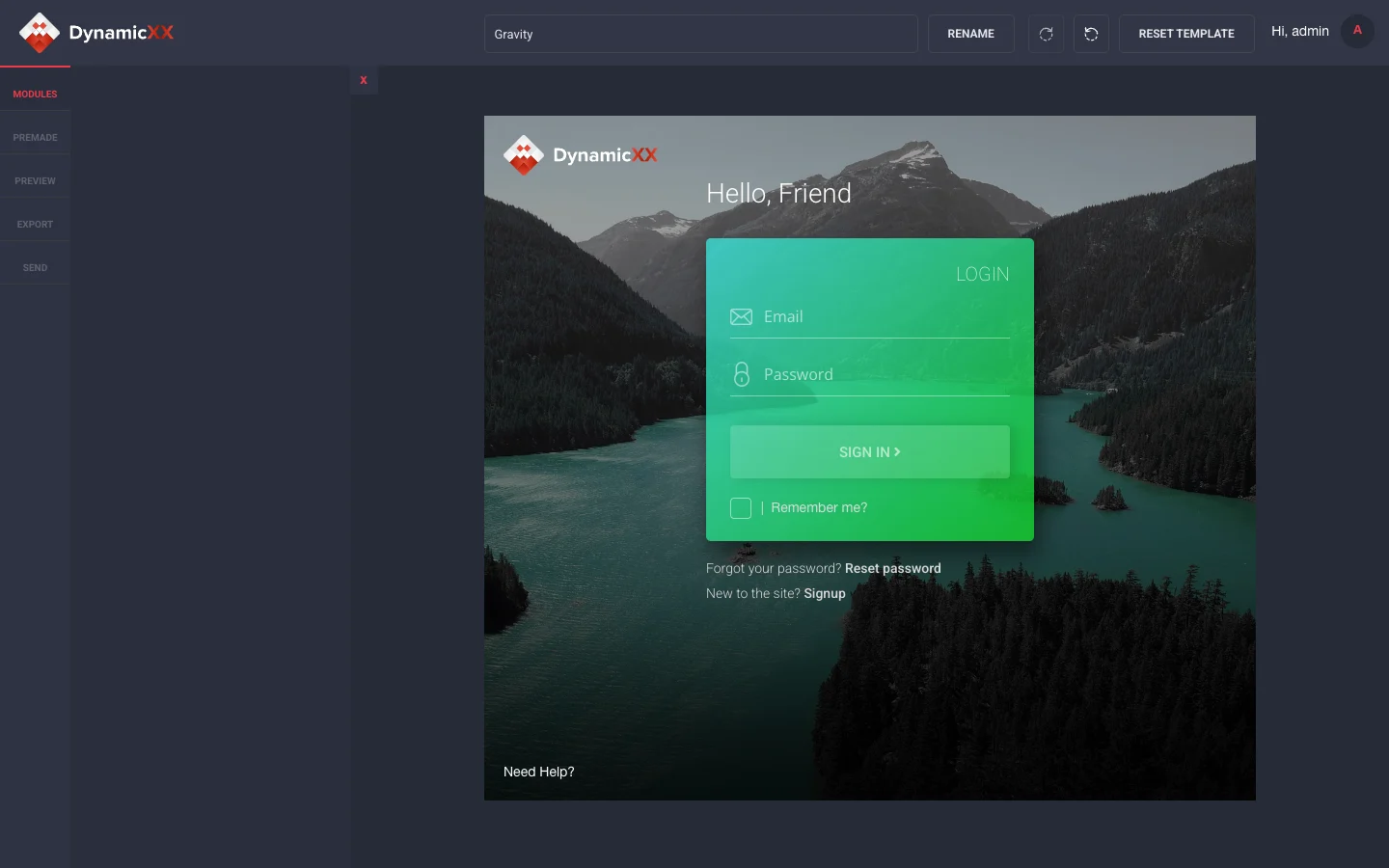
DynamicXX sells email templates. Its customers edit them in a drag-and-drop builder, then send them or export them to their email platform. The builder was already live: the Web Archive shows its sign-in page in 2015.
Its core had a limit. A template had to carry special tags before the builder could edit it. We took the product on in October 2018 and used a staged replacement: screens and features first, then the core.
- The screens customers touch, from October 2018. A brief and a seven-week timeline. We rebuilt the sign-in pages, the templates page and the editors for text, backgrounds and buttons, then template editing, copying and preview.
- What customers pay for, February to July 2019. Sprints, each with a report. Exports to Mailchimp and Campaign Monitor, purchase codes for paid templates, template bundles and premade modules. This went live in July 2019, on the old core.
- The core, October 2019 to January 2020. A new core that needs no special tags. It went live on 24 January 2020.

Where the pattern stopped
The core held every customer's templates, and every screen read them. We moved that part in one switch. Everything came across from the old builder, server to server, so customers opened the same templates in the new one.
The old builder stayed on its server until November 2020, nearly ten months after the switch.
The year before the switch is what made one switch reasonable. By then we knew which features earned money and which screens customers used every day. A first week cannot give a team that knowledge.
Three questions buyers ask about it
- Does it need microservices? No. Most write-ups show a monolith broken into microservices, but the order works for any architecture. The new DynamicXX builder was still one Laravel application.
- How is the data migrated? The pattern says least about this. Decide from the dependencies. DynamicXX used one checked migration; other systems may move data in stages.
- How long does it take? As long as the parts take. On DynamicXX it was 15 months from the first rebuilt screen to the new core.
After the switch
We stayed on until July 2021: fixes to the editors, exports and test sends, and new modules. In all, the two projects hold more than 230 tasks across nearly three years. Support after the switch ran for 18 months.
Five questions before you replace a live core
- Which parts can move one at a time? Screens and features usually can.
- Which part has to move in one switch? Check shared data and formats before deciding.
- Do you know what the core carries? List the features that earn money and the screens customers use daily.
- How does every customer's work come across? Decide who checks it, and how, before the day.
- How long does the old one stay? Agree a rollback period and what must be verified before retiring it.
If you are still deciding whether to rebuild at all, refactor or rewrite a running website covers that choice. Our product engineering page covers the work we do on products already in use.
The strangler pattern is usually told as a way to avoid one big switch. On a live product, its better use is to earn the switch you cannot avoid.